
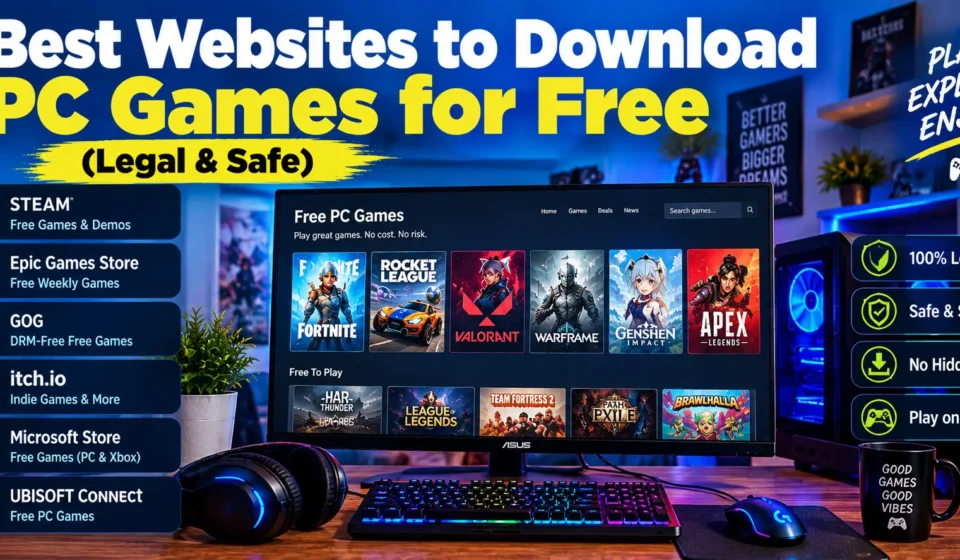

It’s 11pm, and you’ve typed “free PC games” into Google. The top result has four green Download buttons and a countdown timer that looks suspiciously urgent. Only one button does what it says. The rest hand you an installer you’ll spend the weekend regretting.
That’s the real reason the best websites to download pc games for free matter more than any individual game. An official store costs nothing, updates your games without nagging and doesn’t smuggle in extras. A shady one can cost you far more than a £40 release ever would.
Part of the confusion is that “free” covers several different deals. Some games stay free for good. Others are giveaways you keep only if you grab them in time. A demo gives you a slice, and a subscription lets you borrow a library until you stop paying. I’ll walk through the platforms worth using, how to stay safe, and how to match a game to the PC you actually own.
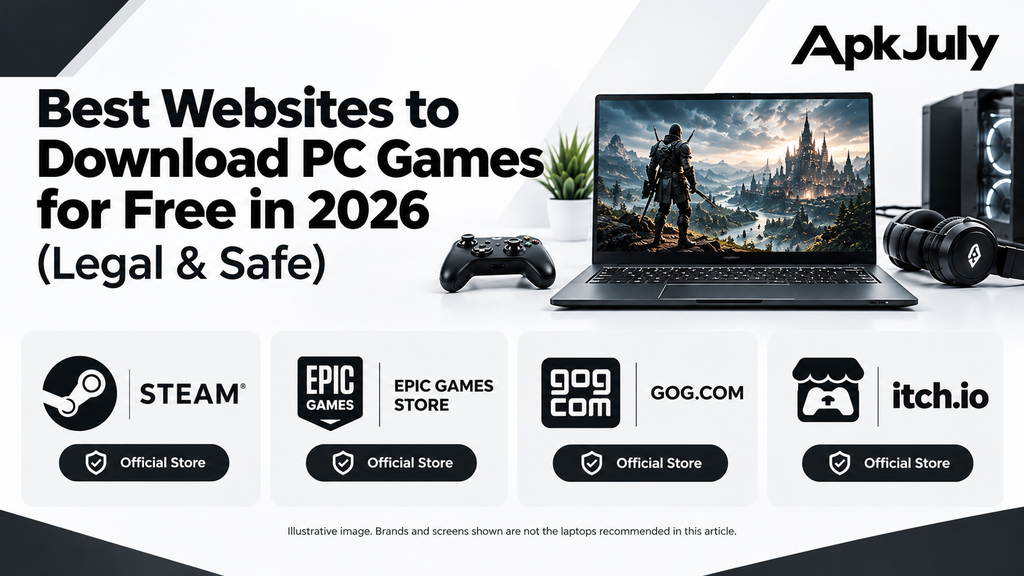
Best Websites to Download PC Games for Free in 2026
Six sources cover nearly everything legitimate. Steam comes first for a reason.
Steam: Best for Free-to-Play PC Games
Steam boasts an extensive roster of games available for free and ensures that they remain free. Some examples include Counter-Strike 2, Dota 2, Warframe, and Apex Legends. The majority of games that Steam offers are multiplayer games, many of which monetize through cosmetic items or optional purchases instead of requiring players to pay to access the main gameplay.
Additionally, features such as automatic updates, friends list, user reviews, and community guides are all available without any required action.
How to download games on pc from Steam is fairly simple and takes only a couple of minutes. The first step is downloading the Steam client from the official website and signing into your account. To find the best free pc games on steam, open the Free to Play section and sort by reviews, not by whatever the front page shouts about.
Epic Games Store: Best for Free Game Giveaways
Every week, Epic hands out games that stay in your library forever, as long as you claim them before the offer runs out. New ones usually appear on Thursdays. Miss the window, and that same game goes back to full price.
You’ll need a free Epic account, plus the Epic Games Launcher to download and play (claiming works from the website). How to get free games on epic games store is straightforward: sign in, open the free games page, click “Get” and confirm a £0.00 checkout. Always read the deadline on each offer. I won’t list this week’s titles because the lineup changes before you’d finish reading it.
GOG: Best for DRM-Free Games and PC Classics
DRM stands for digital rights management, the software that keeps checking if you actually own a game. DRM-free means the game doesn’t phone home, so you can often install it without a launcher hanging around.
GOG built its name on classic PC games, and it runs the occasional free offer. Don’t expect everything to cost nothing, though. And “offline” still depends on the individual game, since some titles need an internet connection for their online features.
itch.io: Best for Indie and Experimental Games
itch.io is where small developers share strange, inventive things that bigger stores would never stock. Plenty of games are free. Others use pay-what-you-want pricing, so you can pay nothing or throw the creator a few quid.
Quality swings wildly, which is part of the charm. Read the game description, look at who made it, and check the download details before you click anything. Some games ship Windows files, and others don’t.
Microsoft Store and Official Publisher Websites
The Microsoft Store lists free games that slot neatly into Windows. Publishers run their own storefronts too. Riot Games offers Valorant and League of Legends for free, and companies like EA, Ubisoft and Blizzard host free titles through their own apps.
Each one wants its own account or launcher, which gets tedious fast. And watch the wording. A permanently free game and a PC Game Pass title are different animals, because the second one vanishes when you cancel.
Other Options: Game Jolt, IndieDB, Mod DB and SourceForge
Each website mentioned doesn’t pertain to a common video game retailer. Game Jolt categorizes itself under indie games, IndieDB and Mod DB showcase various community projects and modifications, while SourceForge is responsible for open-source games.
Typically, the mods are only functional when original games have been installed first. You must check the website for further information regarding the project itself and the required installation steps.
Which Free PC Game Website Should You Choose?
That depends on what you play and how you like to get it. Here’s a side-by-side look at the main five.
| Website | Best for | Type of free access | Account or launcher | Main limitation |
| Steam | Free-to-play and multiplayer | Permanently free games | Steam account and client | Many games push optional purchases |
| Epic Games Store | Weekly giveaways | Free to keep if claimed in time | Epic account; launcher to play | Offers expire |
| GOG | DRM-free classics | Occasional free offers | GOG account | Most games cost money |
| itch.io | Indie and experimental | Free and pay-what-you-want | Optional account | Quality and support vary |
| Microsoft Store | Windows-integrated games | Free-to-play titles | Microsoft account | Smaller free selection |
My basic guideline: I recommend Steam for titles that are either multiplayer or free-to-play. I recommend Epic Games Store for free games that won’t last long. GOG is the best choice for games without DRM. For indie products go for itch.io, and for applications running on Windows try Microsoft Store!
Honestly, there’s no single best site to download PC games. Most players end up juggling two or three.
Are Free PC Game Download Websites Safe and Legal?
The official ones are. The random ones mostly aren’t, and that’s where almost all the trouble starts.
How to Identify a Safe Website?
So, are free pc game download sites safe? Mostly yes, if you stick to official stores, authorised distributors and verified developer pages. Look at the publisher, the domain and the download instructions before you click.
Problems tend to make themselves known. Red flags include deceptive download buttons, redirections, cracked downloads (unprotected pirated copies), and installers that collect additional software. Neither HTTPS nor positive reviews are reliable indicators, as fraudsters may buy accessibility to both. While there is no foolproof method, using official sources can considerably lower risks.
Is Downloading Free PC Games Legal in the UK?
When the rights holder authorises the download, yes. Copying or sharing a game without permission infringes copyright, however it reaches you. GOV.UK’s copyright guidance covers the basics.
Old games don’t become free to copy just because you can’t buy them anywhere. “Abandonware” sounds official, but it isn’t a legal category. Check each game’s licence and distribution terms instead.
So stick with legal websites to download pc games: the stores above and official developer pages. They happen to be the safe websites to download pc games too, because a real company stands behind every file.
How to Download Free PC Games on Windows 10 and Windows 11?
Check compatibility before you download. Nothing wrecks an evening like a 20-minute install that opens to an error message.
Downloading Games on Windows 10
For free pc games download for windows 10, begin with an official store or publisher site. Then compare the game’s minimum requirements with your PC: operating system, processor, graphics card, memory and free storage.
Microsoft ended regular Windows 10 support in October 2025, so some newer games and launchers may drop it. The store page usually tells you where things stand.
Downloading Games on Windows 11
For free pc games downloaded for Windows 11, most games run without fuss, but you should still check the hardware, storage and account requirements. A few competitive games use anti-cheat software that needs features like Secure Boot, so read the requirements carefully.
Remember the launcher too. A Riot game needs Riot’s client, and an Epic title needs Epic’s.
Can You Get Free PC Games Without a Credit Card?
Usually, yes. Plenty of free-to-play games and giveaways never ask for payment details, though you’ll need an account and the rules differ between platforms.
Hunting for free pc games without credit card hassle? Then walk away from any site that demands a card number before a “free” download. Genuine free games don’t need your card, and that request is a classic scam setup.
How to Choose Free PC Games for Your Computer?
Pick for your hardware, not your wish list. A free game that stutters at 15 frames per second isn’t much of a bargain.
Best Free Games for Low-End PCs
Find the minimum and recommended specs on the product page. If your PC only just meets the minimum, expect low settings and lower expectations.
For free pc games download for low end pc, look at lightweight indie games, older titles with authorised downloads, and anything with adjustable graphics. Free doesn’t mean light, mind you, and some free games want serious hardware. If your PC keeps falling short, APKJuly’s guide to the best gaming laptop around £500 in the UK shows what a modest budget can buy.
Can you enjoy free offline PC games?
In some cases, yes. Everything will be dictated by the game in question, the game launcher, the DRM and how your account is set up. Any online multiplayer game cannot be played offline, so be sure to check the official product page before downloading anything big.
Free-to-Play vs Free-to-Keep vs Demos
These terms are used interchangeably by lots of people. However, there does exist a difference between them:
- Free-to-play: this refers to a game that is free to download and play. There will usually be options to purchase items while playing.
- Free-to-keep: it refers to a giveaway that exists for a limited time but keeps on being available in your library.
- Demos and trials: they comprise only a particular part of a game rather than the game in its entirety.
- Subscription access: that refers to a system which allows access to a library whilst paying.
Best Free-to-Play PC Games in 2026
The best free to play pc games 2026 covers a wide variety of titles. This includes Counter-Strike 2, which is suitable for those who prefer competitive shooting games, Dota 2 for fans of strategy MOBAs, and Warframe for those who love multiplayer action. Apex Legends is perfect for battle royale gameplay.
Riot Games’ Valve and League of Legends, as well as Epic Games’ Fortnite, each has its own launcher. Since free availability may change, always check with the official page before downloading.
Shooter fans might also like APKJuly’s list of the best sniper games for PC, which sticks to free downloads from official stores.
How Can You Download Games Safely?
There are a few activities that may greatly assist you in lowering your risk levels:
- Be certain to only download programs from the official stores or trusted sources.
- Before anything else, you need to check the publisher, system, and access requirements.
- Ensure that your Windows as well as protection software are current.
- You should never stop the antivirus application while an installer is executing.
- Avoid using cracked files, unreadable executable files, and links provided in sites or forums.
- Make sure you check the file size, and ensure your computer has enough free disk space.
Frequently Asked Questions
Which Websites are Best Recommended to Download Free PC Games in 2026?
The superior websites for free PC games include Steam, the Epic Game Store as well as official publishers’ pages, GOG and itch.io. Each of the aforementioned offers advantages: Steam is suited for free games, Epic Games for game giveaways, GOG for DRM-free classics, and itch.io for indie games.
Are Free Sites Safe to Download Games for PC?
Sites are safe if they are the official ones. Make sure to check the company and the download details before installing a file. No method provides a guarantee for no-risk downloading, thus keeping a security program running.
How To Get Free Games on Steam?
Access the free-to-play section on Steam, select the necessary game and download it via the Steam client.
How To Get Games for Free from the Epic Games Store?
Log in to your Epic account, open the free games list, and click ‘Get’ before the offer ends. Offers are regular, thus make sure to check the deadlines.
Is It Possible to Download Free Games for PC Without Using Credit Cards?
Usually, it might be possible. Most free games don’t require payment details but you will need an account anyway.
Conclusion
Take the time to research reputable stores and ascertain the one that’s most suitable to your tastes. For example, Steam offers free-to-play games while Epic gives away free titles every week, and GOG is filled with classics. Itch.io is focused on indie games and the Microsoft Store is great for Windows users.
APKJuly’s gaming and technology guides cover game options, compatibility and plenty of other gaming topics. Pick the platform that suits your games and your computer, and you’ll build a library on safe downloads.